Every photo you take, in Google Photos at original quality.
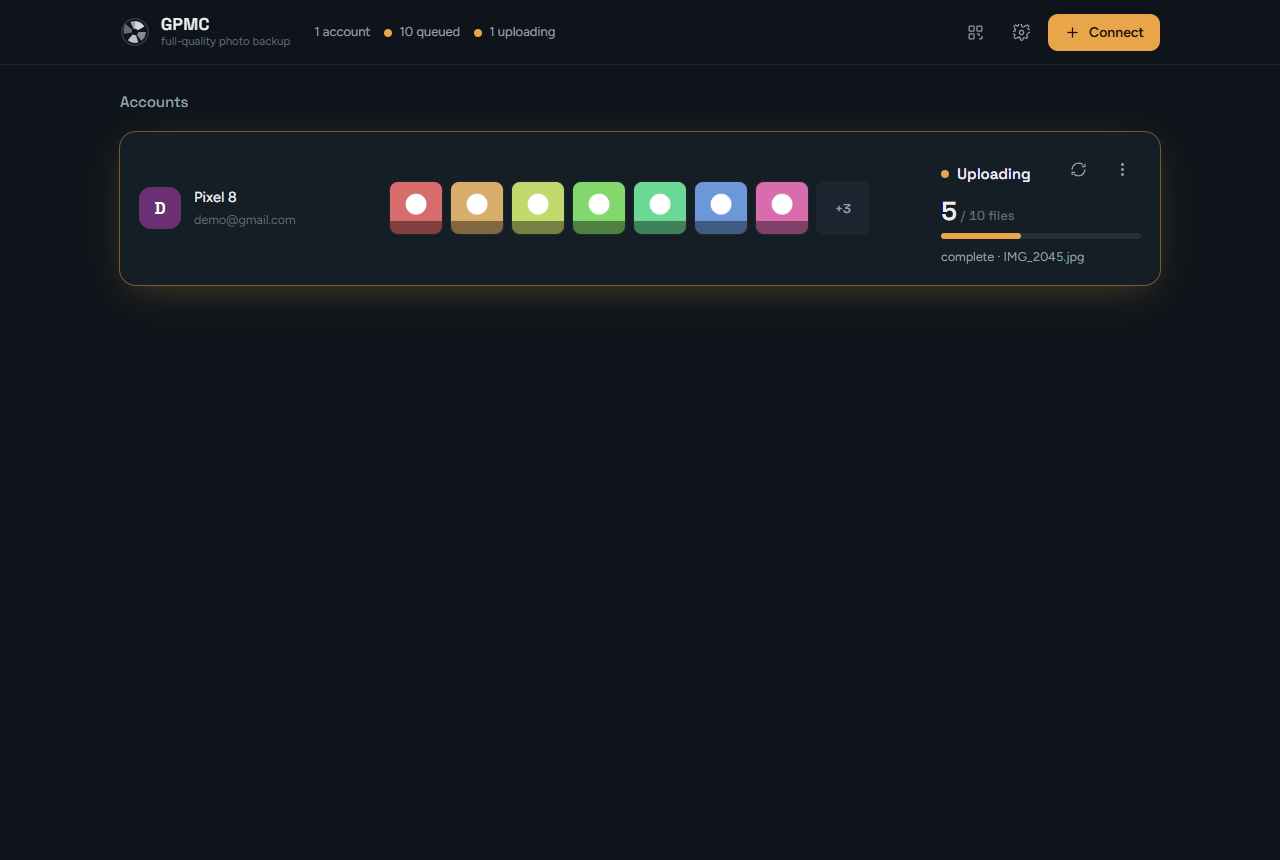
GPMC is a free app for your own computer. Your phone sends it new photos, and it uploads them to your Google Photos account. No GPMC service sits in the middle.
0:00 / 1:03
Read the explainer as text
- Setting up takes a minute. Open Device Sync in GPMC and it shows a code.
- In Synctrain on your iPhone, tap Add device and point the camera at the code. On Android, any Syncthing app does the same.
- Pick the Google account for that phone and turn on photo backup. That is the whole setup.
- Now just take photos. Everything after that is automatic.
- The app sends each new photo to your computer. It travels encrypted from your phone to your computer, and your phone keeps every original.
- GPMC picks the photos up and uploads them to your Google Photos account. The file that left your phone is the file that arrives.
- Once Google has a photo, your computer clears its copy. Nothing is deleted from your phone.
- GPMC works quietly in the background and checks for new photos every five minutes.
- Add the whole family. Each phone backs up to its own Google account.